
Image & video mode
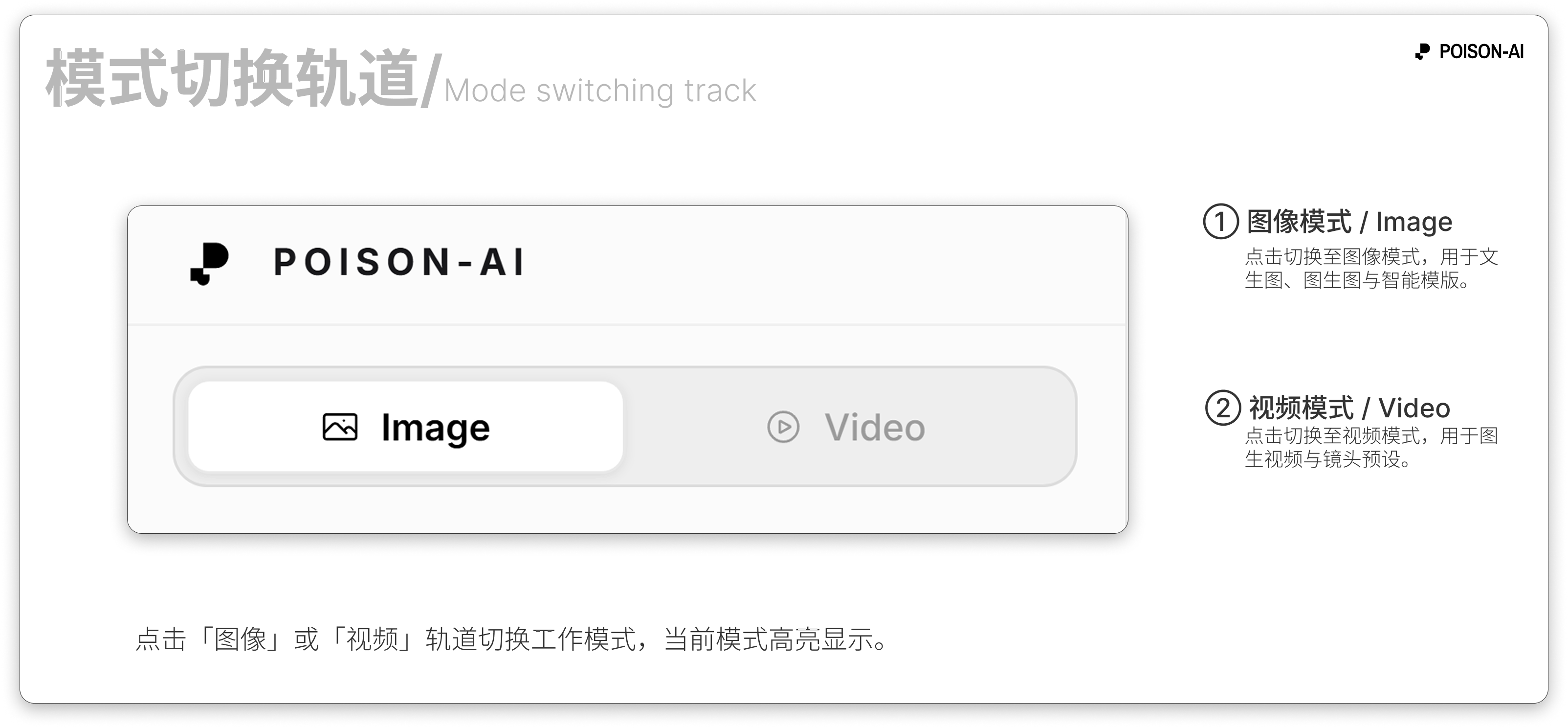
At the top-left of the page, Image and Video tabs let you switch the current workspace mode.
- Image mode — For generating static images. You can do text-to-image, image-to-image, use 12 Smart Templates (Evolution, Blend, Style Reference, etc.), and set resolution, aspect ratio, and model. Results appear on the right canvas as single or grid images.
- Video mode — Generate with Seedance 2.0 Fast (default), Seedance 2.0, MiniMax H3, MiniMax H3 Max, or Veo 3.1 Fast. Choose Omni Reference or First/Last Frame, or generate from text without images. Omni Reference accepts up to 9 images (3 for Veo 3.1 Fast); First/Last Frame accepts up to 2. Seedance offers audio generation, while the H3 family supports native audio-video. Duration, resolution, and aspect ratio depend on the model. Results appear on the canvas for playback, download, or further work.
Both modes share the same account and credits; switch tabs to change between image and video without refreshing.